
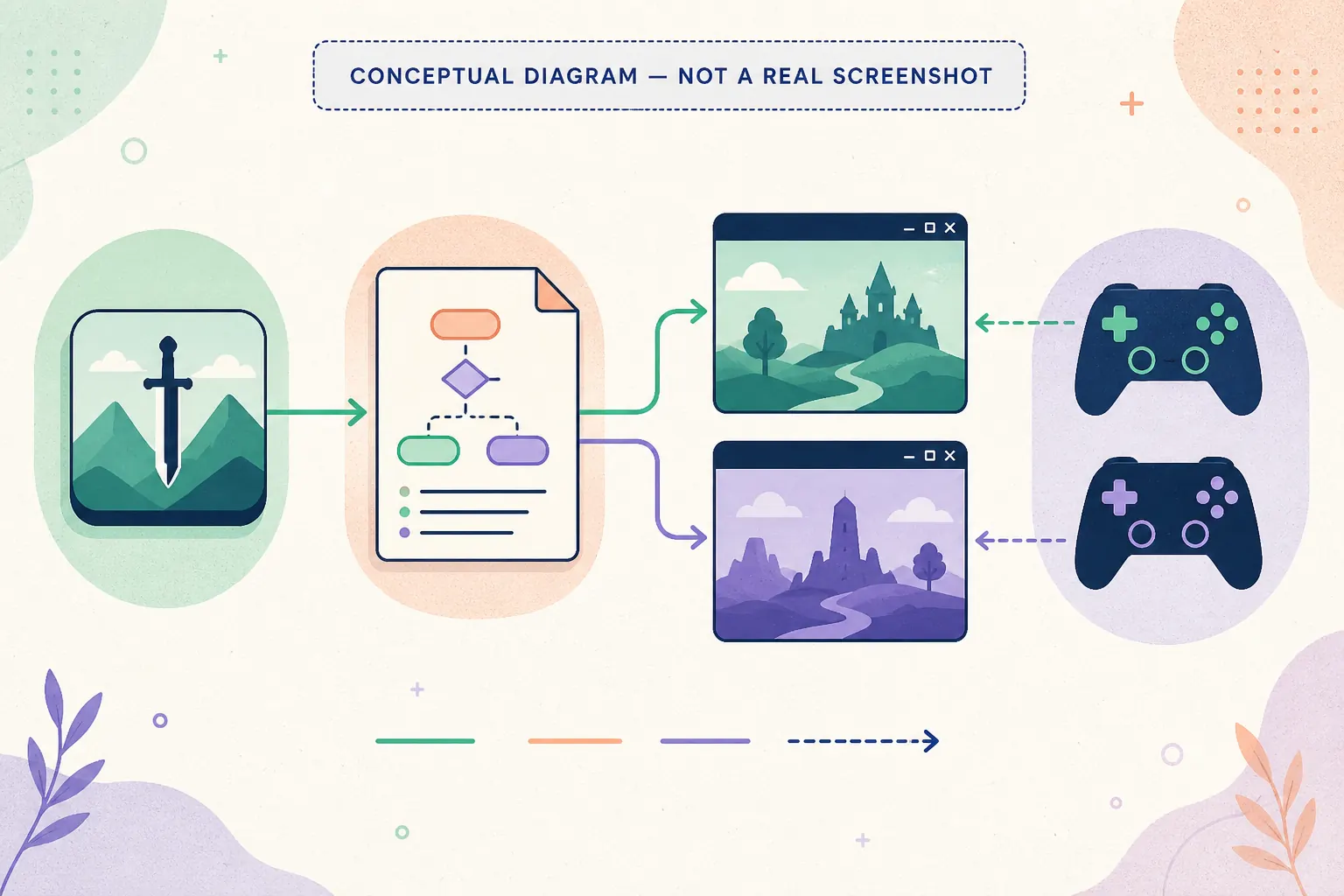
How to read a Nucleus Co-op game entry
The most important detail on a Nucleus Co-op game page is not a simple yes or no. It is the combination of application version, game edition, game build, handler version, required launcher or mod, player count, input path, and connection mode. A handler can work after one game update and need changes after another, so use the page as a launch checklist rather than a permanent guarantee.
Start with a normal game installation that launches by itself. Then open the matching guide, read the limitations, and test one short session. If the game is listed but the handler is unavailable, outdated, or dependent on a particular build, record that fact instead of mixing in an unrelated handler.
| Field | Why it matters |
|---|---|
| Exact title and edition | Similar names can refer to different launchers, files, and handler logic. |
| Game version | A patch can change executables, saves, networking, or input behavior. |
| Handler notes | The handler may require a mod, launcher, player limit, or special launch order. |
| Input method | XInput, DirectInput, keyboard, mouse, PS4, PS5, and Joy-Con paths can behave differently. |
| Connection mode | Local instances, LAN, online service, or a mod are separate game behaviors. |
A reliable first test for a supported game
Before you launch multiple instances, verify that the game works normally outside Nucleus Co-op. Use a local writable application path, install the correct handler, connect only the controllers you need, and start with the handler's default window layout. The first goal is not a long co-op run; it is a repeatable baseline with two windows, separate input, and the game's required connection step.
If a title crashes, saves incorrectly, shows the wrong resolution, or refuses to connect, write down the exact symptom and the versions involved. Change one variable at a time. This makes it possible to tell a handler regression from a game update, a permission problem, a controller conflict, or a network limitation.
Why support stays handler-dependent
Community handler availability changes over time. Some titles have a clear setup path, while others depend on a particular release, a mod, a community client, or a workaround that can stop working after an update. The directory keeps those distinctions visible so a search for “Nucleus Co-op compatible games” does not become a misleading list of permanent promises.
More game-specific pages can be added when their handler notes, version boundaries, and first-test steps can be explained clearly. If you are checking a title that is not listed, use the official handler hub and confirm that the source, game edition, and setup instructions are documented before downloading anything.
How to compare Nucleus Co-op games before launch
When two entries look similar, compare the setup conditions rather than the game names alone. Check the exact edition, executable, launcher, game build, handler version, required mod, player count, and connection mode. These fields explain why a Nucleus Co-op games list can contain both a promising setup and a title that needs a very specific workaround.
A good comparison also includes the input path and the save boundary. One game may accept separate XInput controllers while another needs keyboard focus or a virtual input layer. One handler may isolate instance files while another expects a shared profile or a game-specific save step. Read those details before you copy a controller layout or import a save from a different title.
Use the directory as a decision aid: choose the game with a documented handler, a normal launch outside Nucleus Co-op, and a small first test you can repeat. If the page only says to check current notes, treat that as an availability signal, not as a guarantee. Return to the official Handler Hub when the entry does not explain its source or version boundary.
The best Nucleus Co-op games entry also tells you what to do when the first test fails. Compare the number of windows, handler download result, input assignment, save path, and connection stage in that order. This keeps a display problem from being mistaken for a handler problem and helps you decide whether to continue, switch versions, or stop before risking a valuable save.
| Comparison question | What a useful answer should identify |
|---|---|
| Can the game launch twice? | The handler's instance method, executable path, and required game build. |
| Can two players control it? | The input API, controller type, keyboard focus, and player assignment behavior. |
| Can the players connect? | The game's own local, LAN, online, or mod-based connection route. |
| Are saves safe? | The instance folders, shared profile behavior, backup steps, and import limits. |
| What should I report? | Application, handler, game build, error stage, input setup, and exact result. |
Practical notes for a stable setup
Nucleus Co-op games list FAQ
Does the games list mean every title is fully supported?
No. Each entry depends on a handler, game build, launcher, mod, input route, and connection method; read the notes before a longer session.
How do I find a Nucleus Co-op handler for a game?
Open the exact game entry, read its handler notes, and use the official Handler Hub or a clearly documented source for that title.
Why is a listed game not working for me?
Compare the game edition, build, handler version, launcher, permissions, inputs, and connection step. A community setup may not match your current build.
Are Minecraft Java and Bedrock the same in Nucleus Co-op?
No. Java and Bedrock use different launchers, files, and game behavior, so treat them as separate setup targets.
Can I suggest another game page?
Yes, when the title has identifiable handler notes, version boundaries, and a repeatable first-test workflow.
Where should I report a broken handler?
Record the game build, handler version, error stage, input setup, and exact message, then use the official project or handler support channel.