Installer
Installer.exe
Windows installer · 1.05 MB
 Nucleus Co-op Wiki
Windows split-screen game guide
Nucleus Co-op Wiki
Windows split-screen game guide
Download Nucleus Co-op for Windows, find the right handler for your game, and learn how to launch supported PC games in local split-screen. This independent guide keeps the release link, setup steps, controller notes, and common fixes in one place. Use this Nucleus Co-op download guide to confirm the file and version before you begin.
Verified release assets · checked August 8, 2026
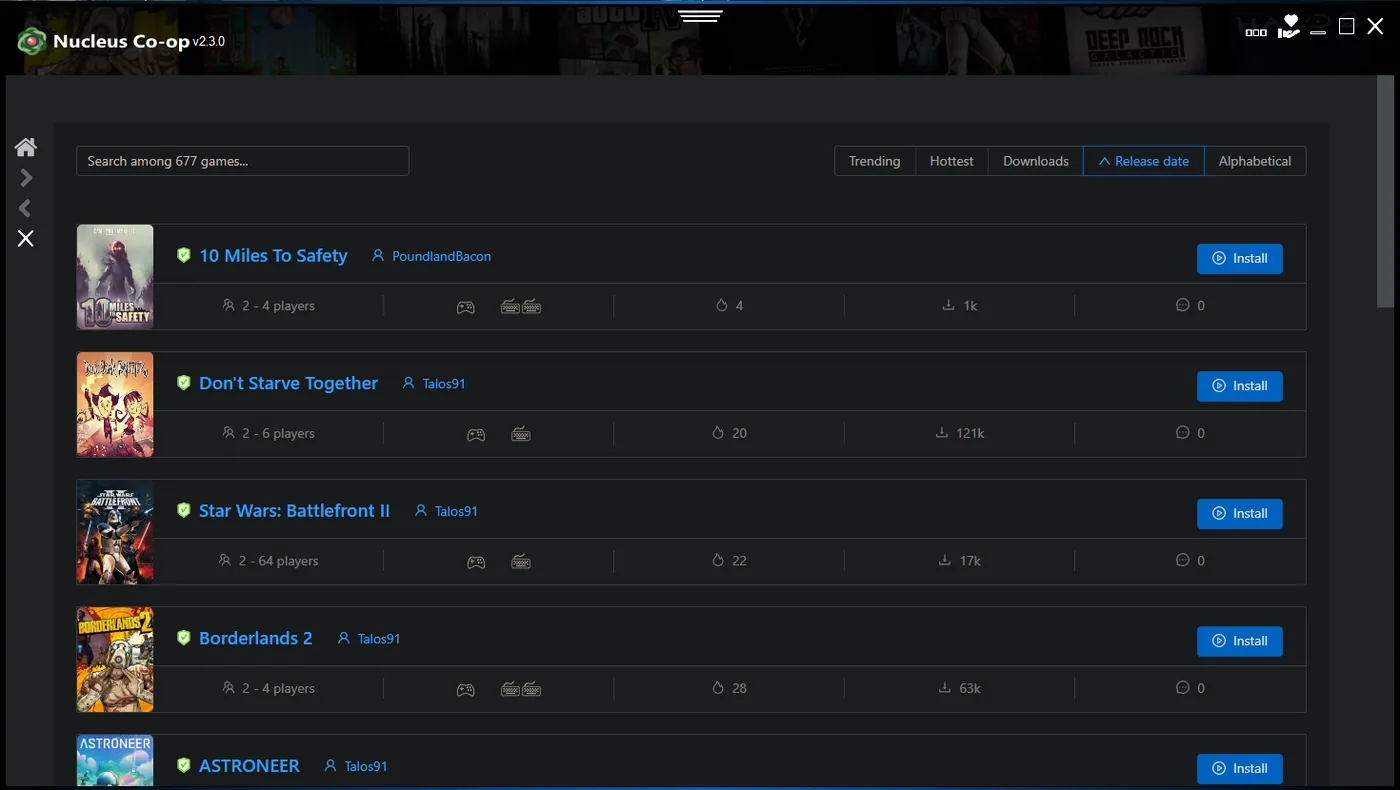
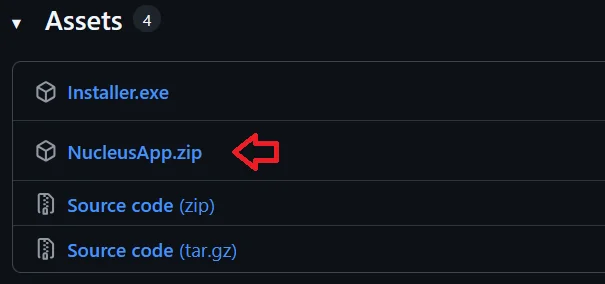
The homepage download buttons point to the release assets listed by the Nucleus Co-op project. Choose the installer for the simplest setup, or choose the portable ZIP when you want to extract the app yourself. The version and file facts below are recorded from the release check shown above; re-check the official source whenever a newer release is published.
ZIP archive: The ZIP archive uses the password nucleus when the official release asks for one.
Official source: Only download executable files from a source you trust. This site does not repackage the application or promise that every antivirus alert is harmless.
Nucleus Co-op searches are usually task-driven. Some visitors need the download immediately; others already have the app and need a handler, a controller fix, or a reliable supported-games list. Use the route that matches your problem instead of guessing at random launch settings.
Follow a clean Windows setup from the first download to your first split-screen launch.
Open install guideBrowse the Nucleus Co-op games list, read handler notes, and check game-specific setup requirements.
Browse gamesUnderstand what a handler does, where it belongs, and why handler versions can affect compatibility.
Read handler guideStart with offline mode, OneDrive, access denied, input, ProtoInput, and resolution fixes.
View troubleshootingNucleus Co-op is not a universal multiplayer patch. It is a Windows launcher and handler system that can help create multiple local game instances when the game and its handler support the required launch and connection behavior.
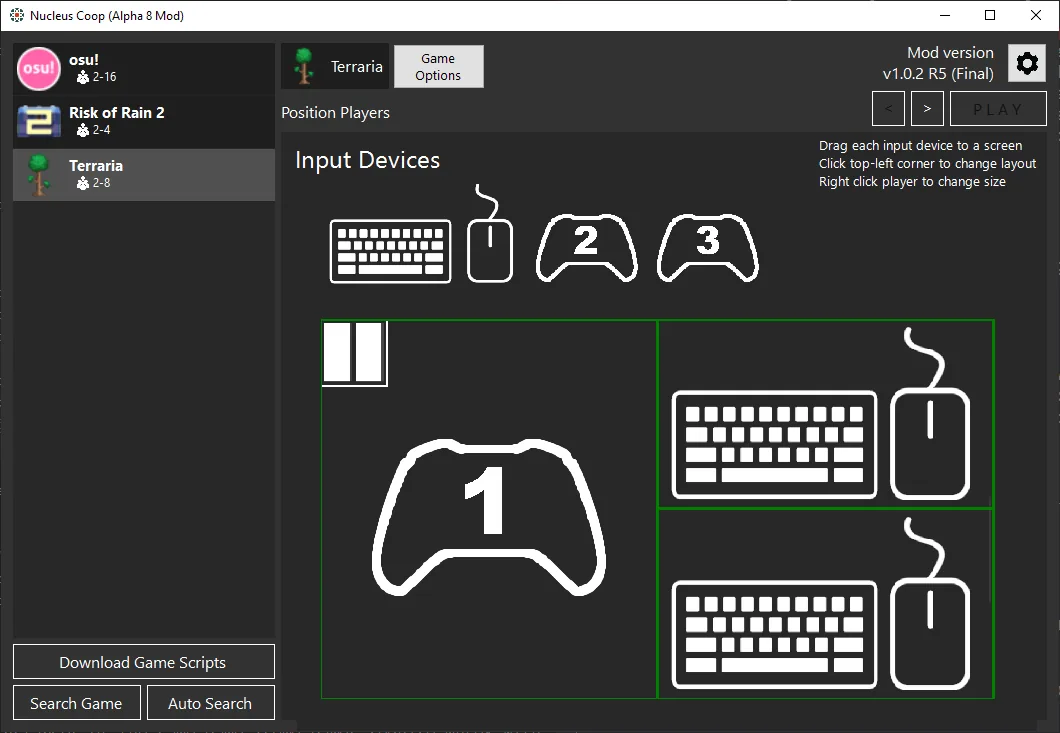
Extract or install Nucleus Co-op in a simple folder that you can access. Avoid protected or cloud-synced locations while troubleshooting.
A handler contains game-specific launch instructions. Select the handler that matches the game, version, and community notes you are following.
Connect controllers or keyboards, then confirm that each input is assigned to the intended game instance before launching.
Start the instances, arrange the windows, and use the game's supported LAN, online, or mod connection method when required.
Compatibility changes with handlers, game builds, mods, and controller behavior. These cards are entry points for the game names that appear most often in this site's keyword research; always read the current handler notes before installing a game-specific setup.
A high-interest Nucleus Co-op search with game-specific launch and input questions.
Open game guideCommon searches include handler setup, startup crashes, and controller input separation.
Open game guideA frequent split-screen query with keyboard, controller, and instance input questions.
Open game guideCheck the current handler notes and PC version requirements before setting up multiple instances.
Open game guideSearch demand focuses on handler availability, save behavior, and version-specific limitations.
Open the Nightreign guideA popular local co-op search where the correct version and handler details matter.
Check game listMost launch failures are caused by a mismatch between the game version, handler, install path, permissions, input method, or the way a particular game connects its instances. The fixes hub helps you identify the failure category before you change several settings at once.
Nucleus Co-op is a Windows utility for local split-screen play in supported PC games. Instead of pretending that every game works the same way, it uses game-specific handlers to describe how instances should launch, where windows should appear, and how input devices should be separated. That is why the same setting can work perfectly in one game and fail in another.
The most useful way to use Nucleus Co-op is to treat the handler and the game version as a pair. Start with the current game entry, read its notes, install the required dependencies, and test one small change at a time. If a page says that a feature depends on a handler, mod, LAN mode, or particular controller path, that dependency matters more than a generic claim that the application supports split-screen.
This site is an independent English resource. It links to the official release source, documents repeatable setup steps, and separates confirmed release facts from community troubleshooting advice. It does not host cracked games, bypass ownership checks, or claim affiliation with the Nucleus Co-op developers.
A clean download page should answer the practical questions before it asks you to troubleshoot. Nucleus Co-op is a Windows application, the release assets have different sizes and formats, and the portable ZIP is not the same thing as the source-code archive. Keep those details visible so visitors do not download the wrong file or assume that a handler is part of the main installer.
The version shown on this page is a checked release fact, not a permanent promise. Software releases can change after publication. When the official repository publishes a newer release, update the version, file links, prerequisites, schema, and installation notes together.
| Check | Why it matters |
|---|---|
| Windows desktop | Nucleus Co-op is designed for Windows PC workflows; console or mobile instructions do not apply. |
| Game ownership | The application does not replace the game. Use a legitimate installation that the handler can find. |
| Handler match | A handler may depend on a particular game build, mod, launcher, or connection method. |
| Input separation | Two visible windows do not guarantee two independent controllers; verify the mapping before a long session. |
| Local install path | Cloud-sync folders, protected directories, and unusual permissions can create avoidable launch errors. |
These answers cover the highest-intent questions in the current keyword set. Use the linked guides when the short answer points to a version, handler, or controller-specific detail.
Use the official release source linked on the download page and treat executable files carefully. Nucleus Co-op can interact with game processes and input devices, so this site avoids absolute safety guarantees and does not recommend random mirrors.
Nucleus Co-op is primarily used for local split-screen instance workflows. Whether a game can connect the instances through LAN, online mode, or a mod depends on the game and its handler; Nucleus Co-op itself does not turn every single-player game into online multiplayer.
The application may work offline for some tasks, but the game or handler can still need an internet connection, LAN discovery, a local network, or an online service. Check the game-specific guide rather than assuming one rule applies to every title.
Many setups use multiple controllers, but the exact behavior depends on the controller type, input API, handler, and game. If one controller moves more than one instance, use the controller troubleshooting guide before changing the game files.
No. Supported games depend on available handlers and the technical behavior of each game. A game can appear in a community list and still require a specific build, mod, launcher, or workaround.
Use a simple local folder that you can read and write, and avoid OneDrive-synchronized or heavily protected paths while setting up the application. The install guide explains the cleanest first test.
Use the verified installer, then open the install guide before you add a handler. If you already know the game you want to play, start from the games list so your setup matches the current handler notes.
Open the download page